NEW WEBSITE LAUNCH!

SusanGraf.com

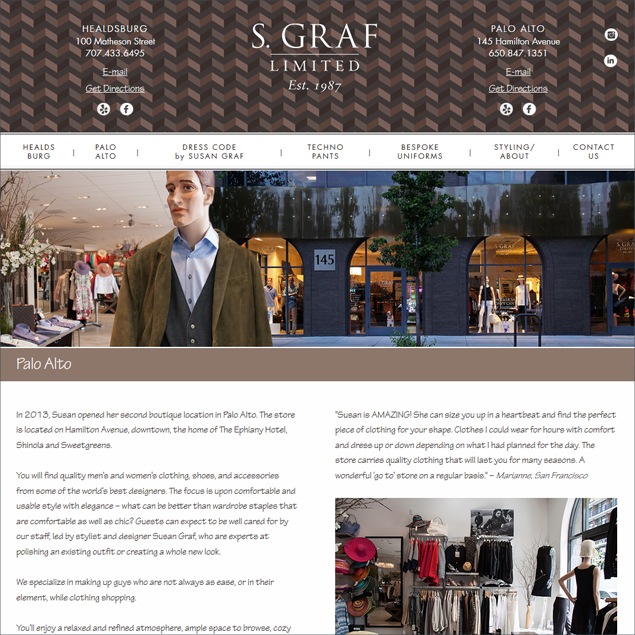
We’ve had a great experience working with Susan Graf and her brand designer, Marianne Mitten, on a new website for Susan Graf Limited.

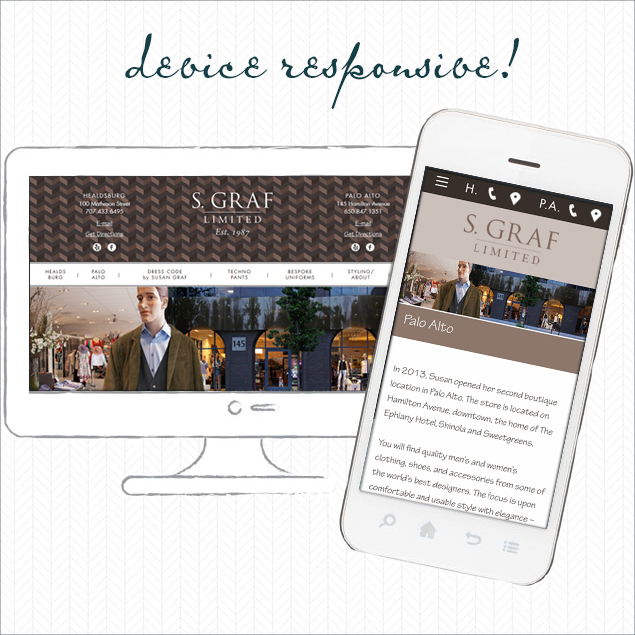
John coded it to be device responsive, so the code will render to it’s best depending upon the device – from smartphone to desktop monitor – the visitor is using.  The navigation changes from full screen sized to hamburger on a smartphone.  The font changes to be most readable depending upon the device.

The best part – this is not a WordPress or other template site so the client is not boxed in and there’s no monthly security and maintenance fee.

Responsive Website Design

We were also hired to do the copy writing and to photograph both locations.

Besides the fabulous mens’ and womens’ departments and charming staff, Susan Graf Limited offers styling, techno pants, and DRESS CODE by SUSAN GRAF. There’s a location on the plaza in Healdsburg and one in downtown Palo Alto.

Thank you, very much, Susan, for this project.  We’re looking forward to working with you (and of course, visiting both boutiques.)

Save

Save

Save

BUILDING YOUR MAILING LIST

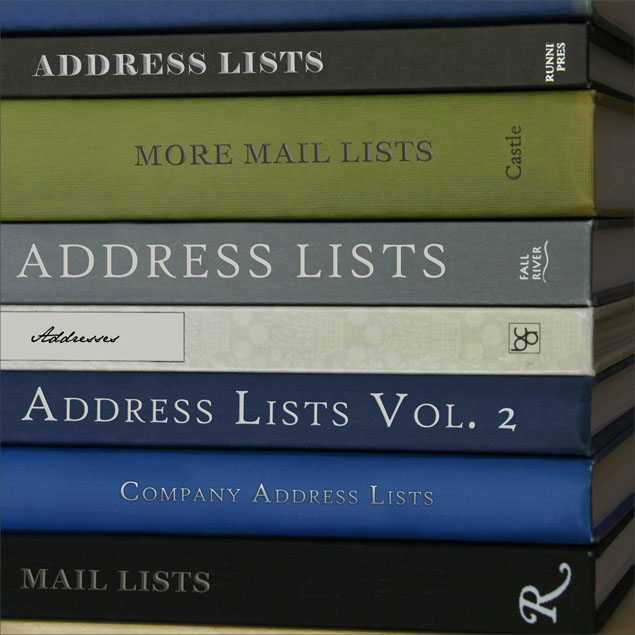
blog-grow-your-address-list

Frustrating news – sorry!  A businesses e-mail address list will degrade by about 20% each year. Here’s some ideas on how you can continue to grow your mail list.  The idea – gain addresses faster than losing.

  • Keep making valuable e-mail campaigns!

SIGN UP FORMS – PHYSICAL AND ONLINE

  • Keep your newsletter sign up form as simple as possible.  One field is best – just ask for e-mail address.  Once you start asking for first name, last name, phone number, etc, you lose people quickly.
  • Add a lightbox popup with address list sign-up form to your web site.
  • Have a physical sign-up sheet – in-house/store – and at every event you attend.  Be sure it clearly states you value privacy and do not share addresses.
  • On your online and physical sign-up forms, be sure to note the value of being on the list: exclusive mail-list-only offers, useful information, event invites, tips, etc.  Even better, create copy to be used in landing pages, postcards, blog posts, actually any print or on-line marketing, listing the top ten reasons to sign up for your mailing list.
  • Make sure a newsletter sign-up is on every page of your site – easy to see and complete.  Don’t skip ad landing pages and your blog pages.
  • Add a note to your online sign-up form: “Join the XX subscribers who already enjoy this newsletter”.  Show that they will be part of the crowd.

WAYS TO GET YOUR SIGN-UP FORM UNDER THEIR NOSES!

  • Have a contest with a fabulous prize – worth signing up for a mailing list to enter.
  • Have a single database for addresses and make sure your staff knows how to use it.
  • Host an event and be sure you have your mail list sign-up sheet well-displayed.
  • Send a snail-mail postcard specific to opt-ins.
  • Host an on-line webinar for which registration requires an address list sign-up.
  • Create something people will be interested in seeing.  For example, for our client SkinSpirit we made this recipe ebook and required an e-mail before the visitor could see it.  Your give-away could be tips, information (for example, a BMI calculator), or a white paper.  Promote these on social media.
  • Consider paid advertising for your list or re-marketing specific to address list sign up.
  • Add a link to a newsletter sign-up page on Facebook.
  • Include call-to-action in videos posted to YouTube and in your YouTube Channel.
  • Put a fishbowl on your counter and encourage clients to drop in a biz card or slip of paper – once a month drawing.  All entrants are added to mail list.
  • Give a free birthday service to the people on your mailing list.
  • Get your employees involved – he or she who collects the most e-mails gets a bonus.
  • Do a give-away (discount, gift basket) for all new list sign ups over a week (month, whatever works for you.)
  • Work with your staff to provide a script for getting people to sign up.  Be sure they are aware of incentives to signing up and can offer them on the spot with a hand-written sign-up form, or a database they can add to.

Save

Save

Save

Save

Save

Save

Save

Save


ARTIST LOU BERMINGHAM AND SHARING TO FACEBOOK

Artist's E-mail Campaign

Abstract artist, Lou Bermingham as been a client of ours since 2008.  We’ve enjoyed each new work of art he has produced, visits to galleries and museums to see his work (and sip some wine at the opening receptions), and making a few web sites for him. There could not be a person more deserving of succeed in this competitive field.

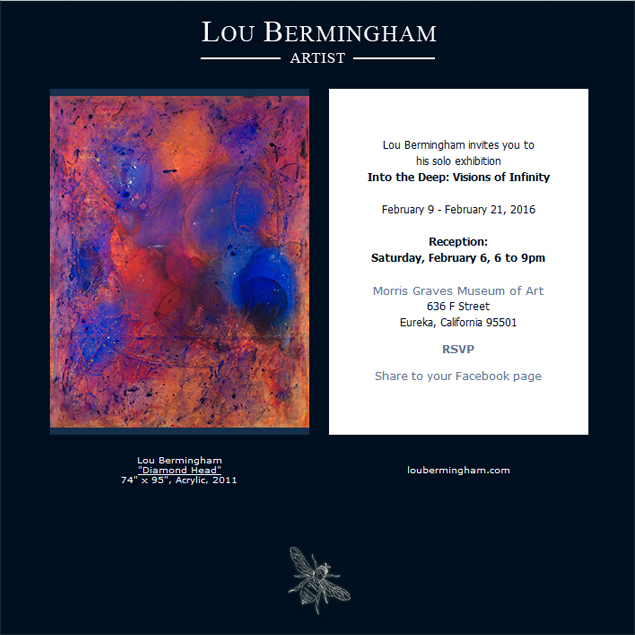
We also send out e-mails to his quickly growing e-mail list. We keep them simple – just an image of one of his works and text to the right in an area that fits nicely into a smartphone screen without side-scrolling.

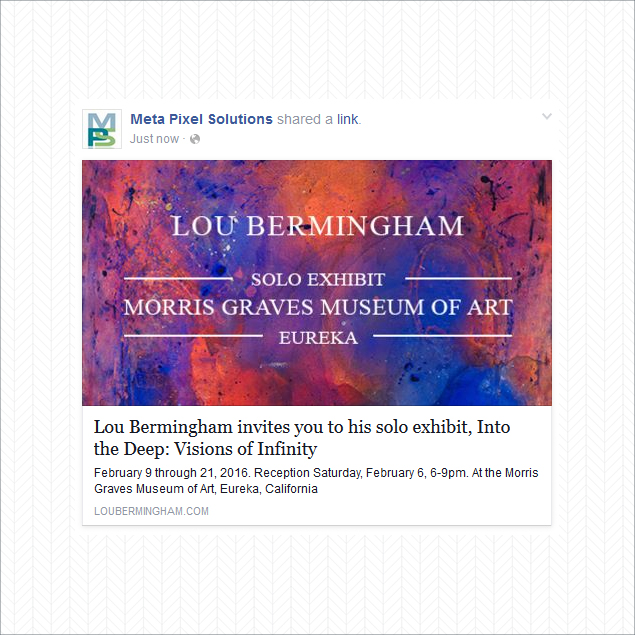
Lou is the ideal client with an ideal audience to include a “share to Facebook” link on his e-mail campaigns.

With an average list of a few hundred friends for each Facebook account, there’s the potential to get your product and brand under the noses of possible new clients.

Below is a sample of the above e-mail shared to the MPS Facebook page.

Interested in Lou’s art?  Visit his MPS website.

blog-facebook-sharer

E-MAILS WORKING FOR OUR CLIENTS

E-mail Campaign Design

(2025 review – funny how so much has changed since this 2015 post and how much remains the same.)

There are many ways to approach e-mail campaign development and production. We’ve narrowed it down to three options to cover all our clients’ budgets and all the devices out there.

We also include enhancements to our e-mail campaign services that our competitors skip. We usually do all the graphics and copywriting. For each campaign, we also produce a web page version which our clients use as landing pages for online ads or social media posts. A week after launch, we provide a free report on the campaign’s success.

And finally, because we don’t like to just do a one-off campaign with a short lifespan of value, we add the web page version to our client’s site on a news archive page so all that work put into making the e-mail campaign continues to pay off as a boost to site search engine optimization and additional information for site visitors to enjoy.

Reporting shows that around 55% of all our clients’ e-mail campaigns are being viewed on smartphones. This is a higher percentage for retail businesses and a lower percentage for B2B and service businesses. Because of this, the non-responsive e-mail campaign designs we were doing just a few years ago were dropped – a business’ e-mail must be readable and actionable on a smartphone.

Here’s what is working for our clients right now:

Mobile-friendly campaigns render cleanly, but not responsively, on all devices from smartphone (landscape and portrait) to desktop computer. These are the lowest priced options since they do not need complex responsive code or an e-mail campaign platform’s design interface.

They work well on all devices and on a smartphone do not require pinching or side-scrolling.

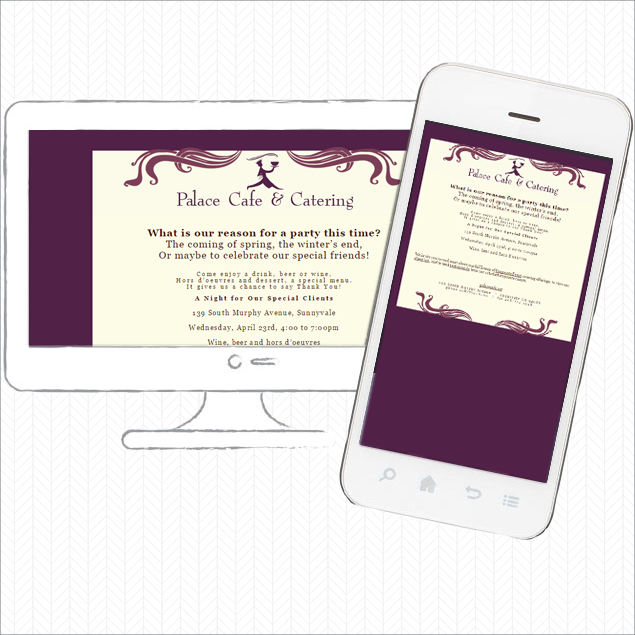
Here’s a mobile friendly e-mail campaign.

Mobile Friendly E-mail Campaign

Responsive e-mail campaigns render the same code/design on any device. For these, we use a template provided by an e-mail campaign service provider, but prevent them from looking “from a box” with custom graphics.

Different e-mail campaign providers vary in quality and services. We like Vertical Response the best for its same-time-zone customer support and list management features, which we find to be the most adaptable to split-list campaigns and the way our clients wish to manage lists. However we have been recently surprised and pleased with how Constant Contact has improved – no more phone-tree nightmares when calling for support and great reporting. Of the main providers, MailChimp is our least favorite as the list management is non-flexible and there’s no phone support.

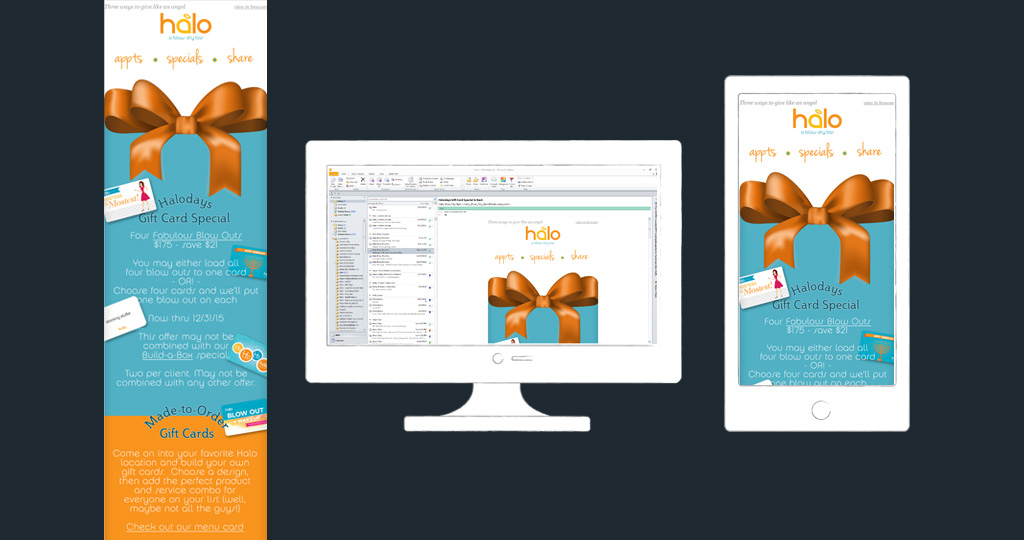
Here’s a sample of one of our responsive e-mail campaigns, produced through Constant Contact.

Responsive E-mail Design

Custom, responsive e-mail campaigns require a lot of work. Two versions of each campaign are produced: a desktop version and a smartphone version. These are the best looking and performing types of e-mails as the design is specific to the device.

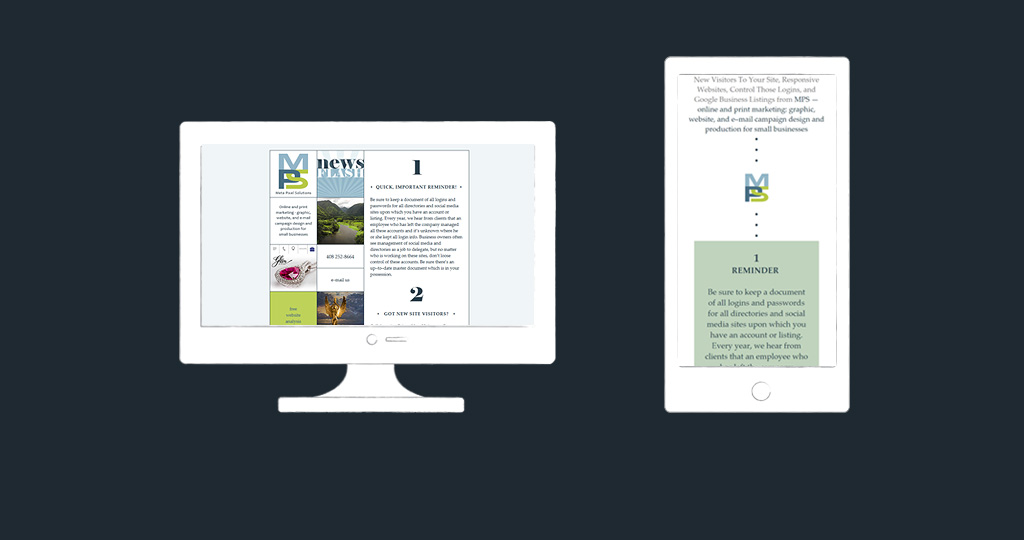
Our company campaigns are coded in this way.

Custom Responsive E-mail Design

We work closely with our clients to make sure we are providing the best fit for their needs, and their budgets.

Our e-mail campaign portfolio.

PHOTOSHOP FUN

Photoshop Engraveing

(2025 review – Rachel’s grateful for her two decades of Photoshopping before AI. There’s no need for HI [human intelligence] for a project like this anymore.)

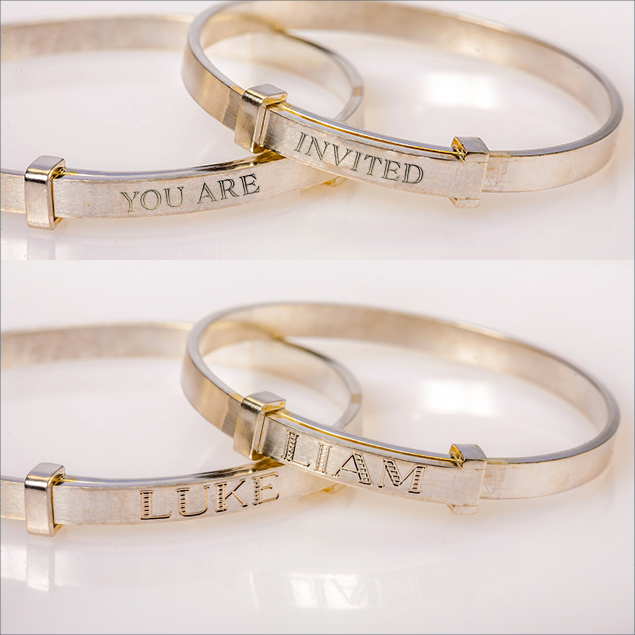
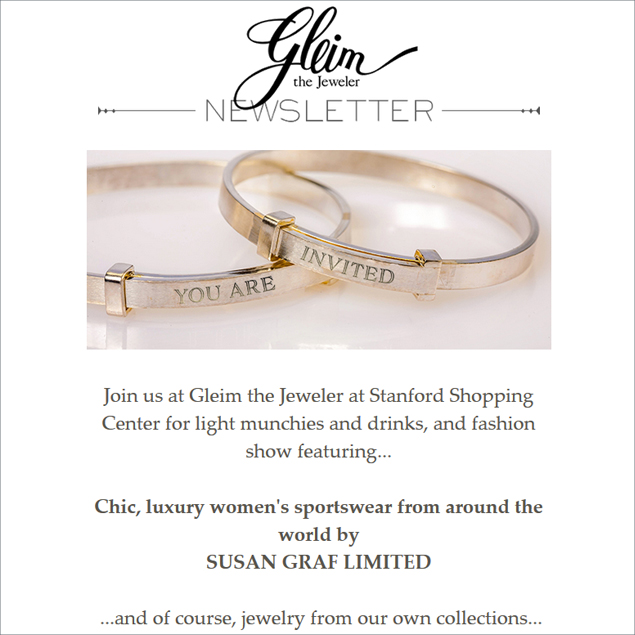
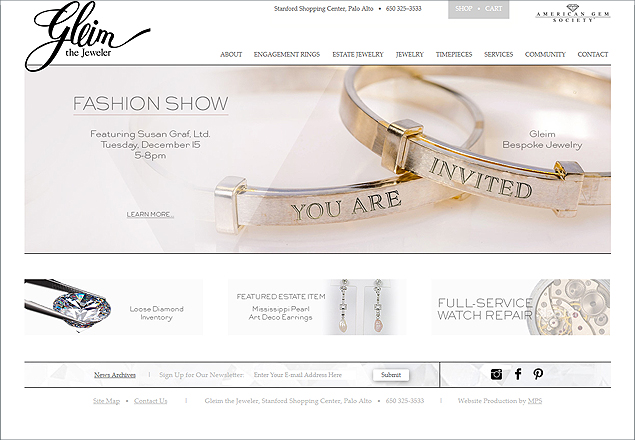
Love it when I get to play in Photoshop and make something that works for a client.  These custom bracelets by Gleim the Jeweler are perfect for the event invitation “engraving.”  So pretty as header for an e-mail campaign and for a home page slide.

E-MAIL CAMPAIGN HEADER:

blog-gleim-e-mail-campaign-graphic2

WEB SITE HOME PAGE SLIDE:

blog-gleim-e-mail-campaign-graphic3

RESPONSIVE E-MAIL CAMPAIGN

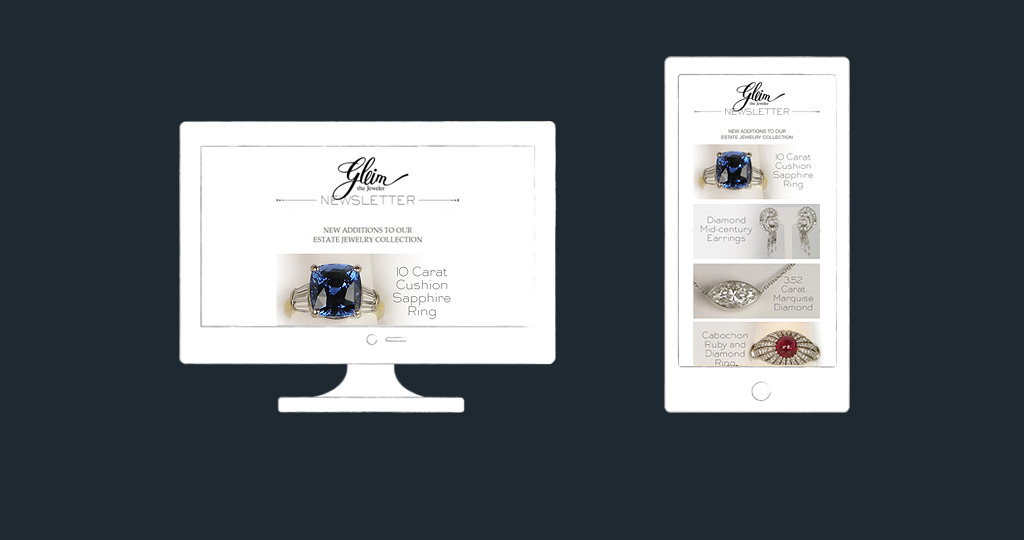
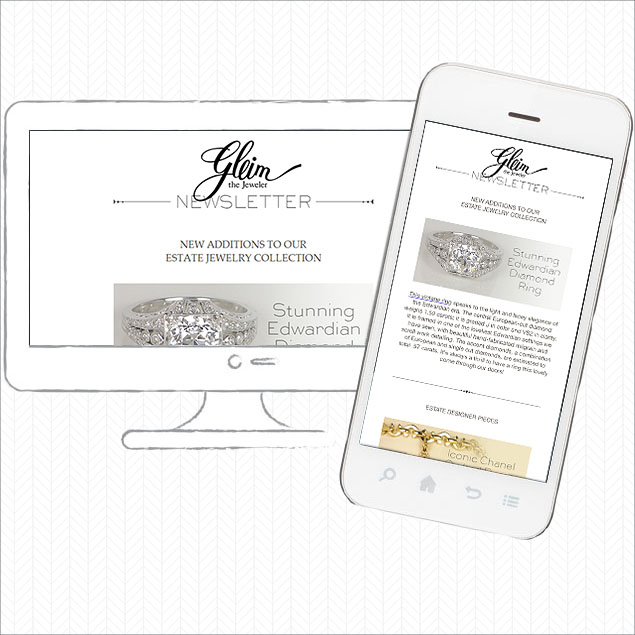
Jewelery Responsive E-mail CampaignWe’ve just finished our first e-mail campaign for Gleim the Jeweler.

Our client has traced sales back to their store and their online store from this campaign, so hopefully we’ll be doing many more of these campaigns in the future.

A bonus with working with Gleim is the beautiful jewelry.

LAW FIRM WEBSITE LAUNCHED

Law Firm Website Launched

(2025 – We’re thrilled this site worked well for our client for ten years – we just updated it last year to fully-responsive code.)

We recently finished this simple website for Marsten & Mosher An Association of Attorneys.  Check it out at: mmfamilylaw.com.

They elected to do a simple site with a separate mobile version.  Their goals for this site where simple: allow clients to easily find their offices for meetings and provide a resource for those looking for the lawyers’ biographies.

They do so well from word-of-mouth marketing that they asked for only basic SEO work.

Thank you for the project, Mia and Michelle!